Case Study
Warehouse Inventory System
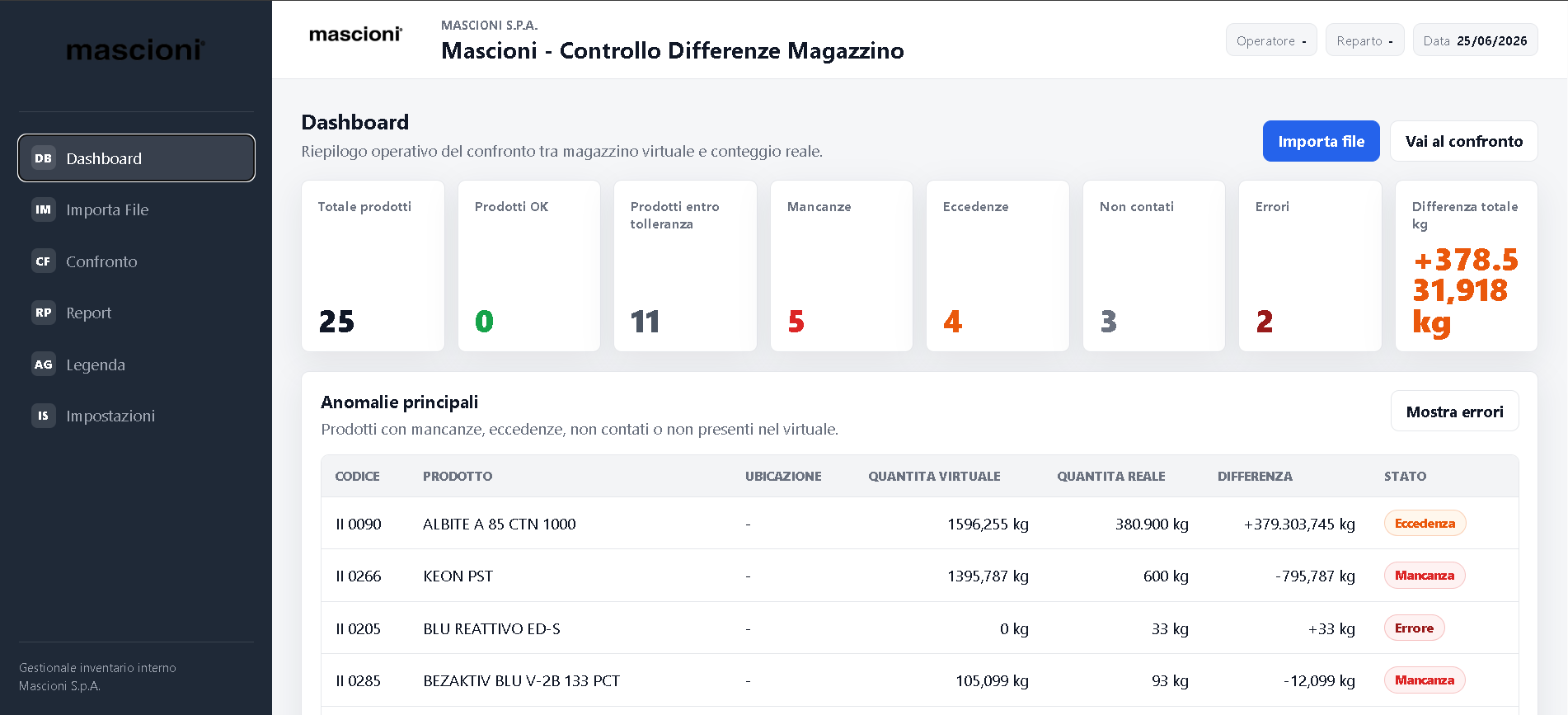
An internal web application for keeping product information, stock counts and warehouse activity visible in one operational interface.
Overview
The system organizes warehouse data into focused screens for dashboards, products and counting activity so daily work can happen with less friction.
Challenge
Inventory work depends on accuracy and speed. The interface needed to make status, counts and product details easy to scan without hiding important controls.
Solution
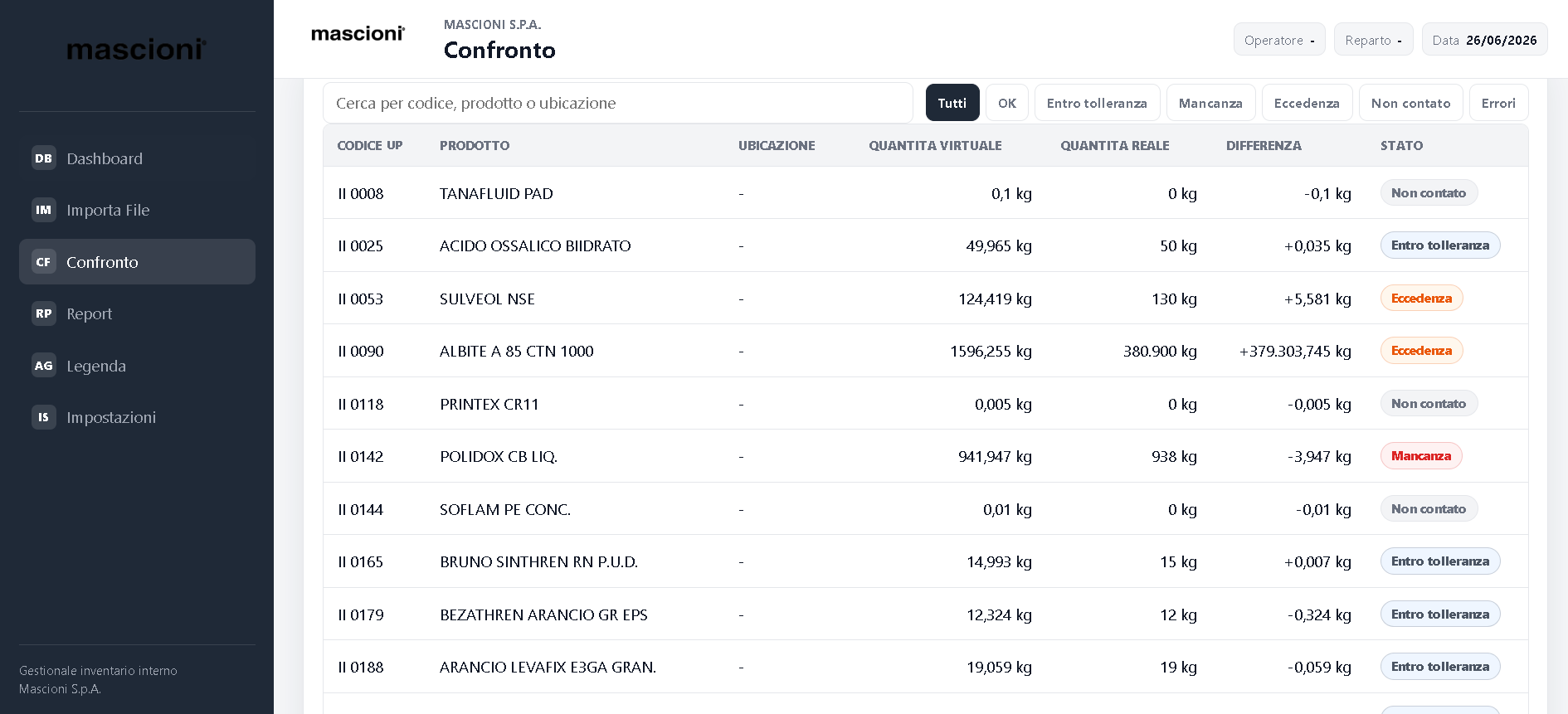
I designed a practical dashboard with strong information hierarchy, compact tables and clear product views to support repeated operational use.
Architecture
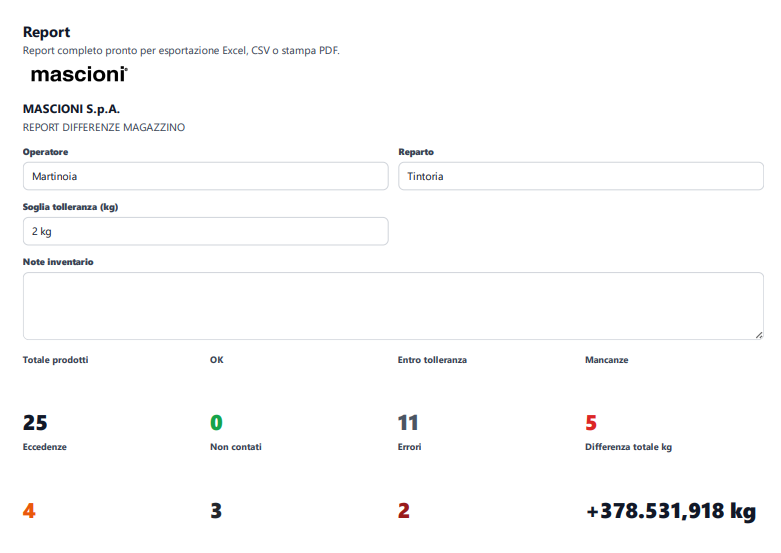
The application is structured around core inventory entities: products, counts and dashboard summaries. Each screen keeps related actions close to the data being reviewed.
Technologies Used
Image Gallery
Results
The final interface makes warehouse information easier to inspect and gives the workflow a dedicated digital structure instead of relying on scattered tracking methods.
Lessons Learned
For internal tools, polish means reducing hesitation. Labels, spacing and predictable table behavior matter because users repeat the same actions many times.